
Compress Large Videos Without the Hassle
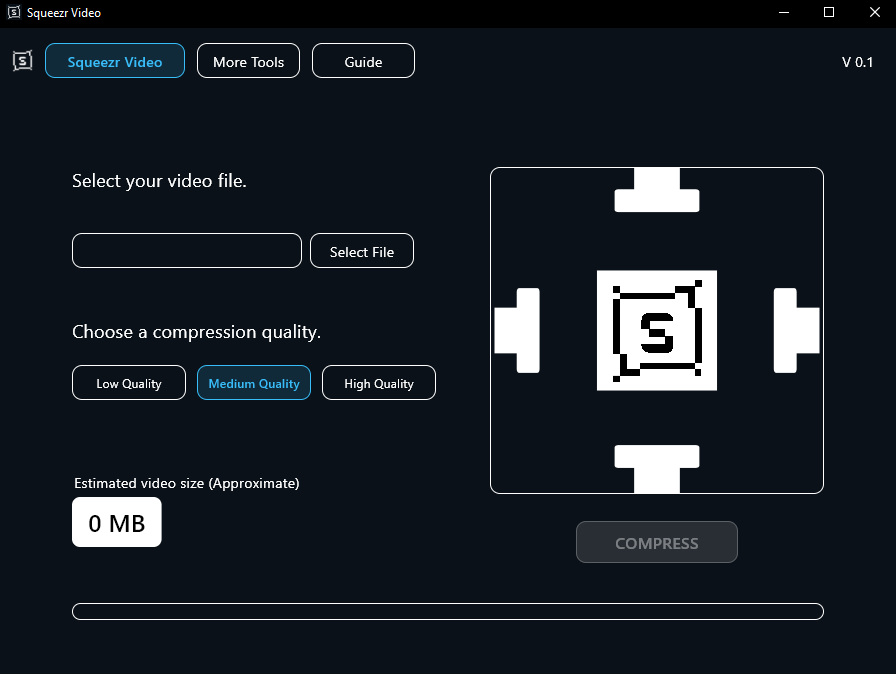
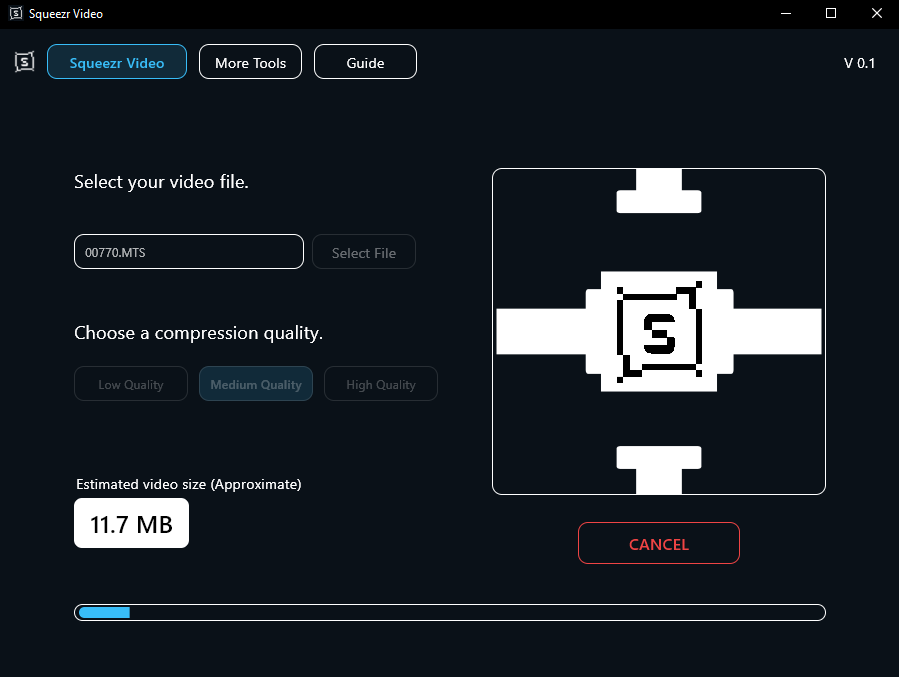
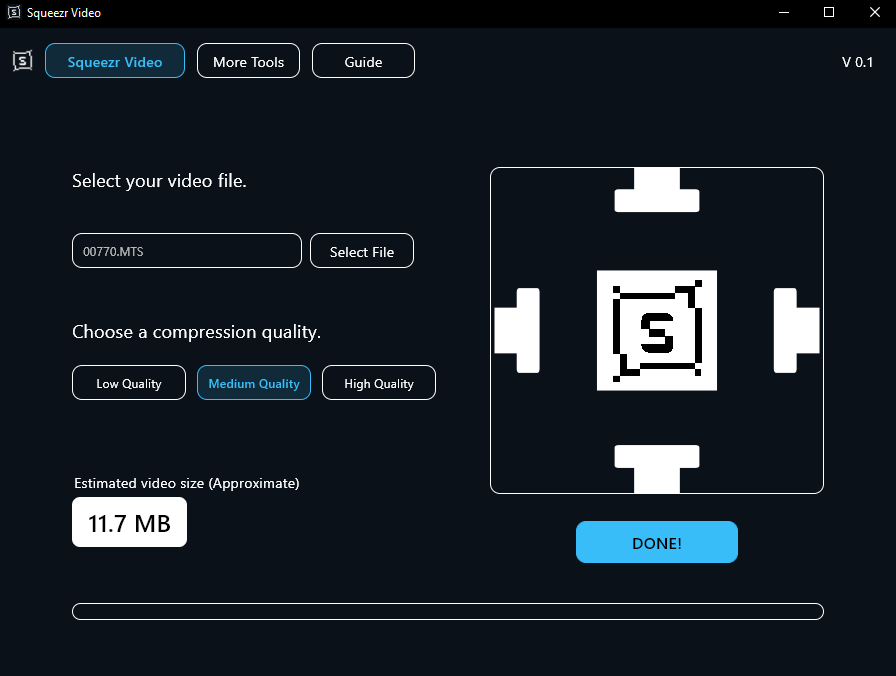
Squeezr Video is a lightweight video compression tool built for speed, simplicity, and privacy. Reduce large video files in just a few clicks without dealing with complicated settings, cloud uploads, or bulky software.
Designed to work entirely offline, Squeezr Video helps you save storage space, transfer files faster, and manage large video libraries more efficiently while keeping your footage on your own computer.
Why Choose Squeezr Video?
- Fast and easy to use
- Lightweight and runs smoothly on most PCs
- Compresses large video files in minutes
- Works completely offline
- No subscriptions or monthly fees
- Permanent product key included
- Privacy-first design — your videos never leave your computer
- Designed for modern 64-bit Windows computers
Supported Formats
Squeezr Video supports a wide range of popular video formats and exports compressed files as highly compatible MP4 videos.
Supported Input Formats
Mobile & Web
- MP4
- MOV
- WEBM
Desktop & Legacy Formats
- AVI
- WMV
- M4V
Camera & Camcorder Footage
- MTS
- M2TS
Container Formats
- MKV
Best Used For
Squeezr Video is specifically optimized for large, high-bitrate source footage, including:
- Videos recorded directly on iPhone devices
- Videos recorded on Android devices
- Camera and camcorder footage
- Screen recordings
- Video editing exports
- Large personal video archives
System Requirements
Before purchasing, make sure your PC meets the following requirements:
- Windows 10 or Windows 11 (64-bit only)
- Intel or AMD 64-bit processor
- At least 4 GB RAM recommended
- 200 MB of free storage space for installation
To check compatibility, open:
Settings → System → About
Your system type should display:
64-bit operating system
System Limits & Performance Guardrails
To help maintain system stability and performance, Squeezr Video includes built-in safeguards:
Maximum File Size
Input files are limited to a maximum size of 3 GB.
This limit helps prevent excessive CPU load, long processing times, and potential system instability during offline video encoding.
Important: Already-Compressed Files
Squeezr Video is designed to compress large, high-bitrate raw videos such as footage directly from phones, cameras, camcorders, and editing software.
Files that have already been heavily optimized or compressed may not shrink further and, in some cases, can become slightly larger after processing due to compatibility adjustments during export.
What’s Included?
Your download comes as a ZIP folder containing:
- Squeezr_Video_Setup.exe
- Squeezr_Product_Key.png
Installation Instructions
- Download the ZIP file.
- Extract the ZIP folder to your preferred location.
- Run Squeezr_Video_Setup.exe.
- Enter your product key when prompted.
- Launch Squeezr Video and begin compressing your videos.
Installation Note
Because Squeezr Video is a new software release, Windows may display a security warning the first time you launch the installer.
If you see a blue Windows security screen:
- Click More Info
- Click Run Anyway
- Continue with the installation process
This warning is normal for newly released applications that have not yet established a reputation with Microsoft SmartScreen.
Thank you for supporting Studio Buwa. We hope Squeezr Video helps you save storage space, simplify file sharing, and manage your video files more efficiently.